
If you read my guide on dealing with ageism in job search, you already saw one line about LinkedIn: use a current, simple photo. That line was true but not exactly a plan. This is the plan. Learning how to update your LinkedIn profile after 40 isn’t about chasing a trend on the platform, it’s about fixing the specific things that quietly signal “this person hasn’t touched this in years” before a recruiter ever reads a word you wrote.
Most profiles that have sat untouched since your last job change have the same handful of problems: a headline that’s just your job title, an About section that’s either blank or three sentences from 2016, a photo from an event five roles ago, and a gap in the timeline nobody explained. None of that is a rule violation. It just reads as inactive, and an inactive-looking profile gets skipped by the same recruiters who’d otherwise reach out. Here are the seven fixes that matter, roughly in the order I’d do them if I were sitting down to redo my own profile this afternoon. If this is one piece of a bigger move, not just a search but an actual career change at 40, that guide covers the rest of the plan.
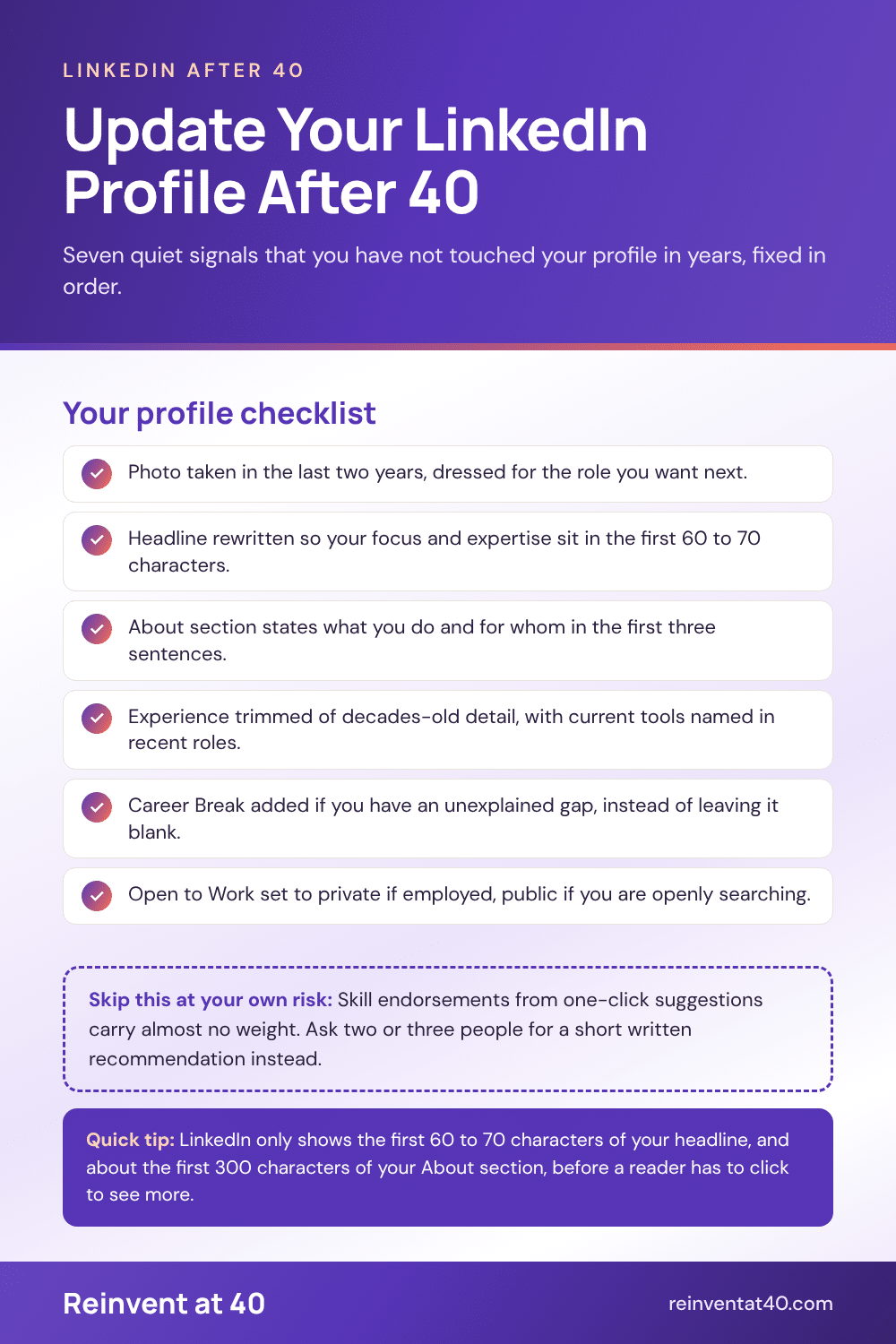
Step 1: Replace the photo, even if the current one still looks fine to you
Aim for something taken in the last two years, not the last decade. Dress the way you’d dress for the job you want next, not the one you had five roles ago. Shoulders up, a plain or softly blurred background, and an expression that looks like you, not a held smile you’re performing for the camera. If your only options are a cropped-out group photo from a conference or a selfie, it’s worth the $40 for a quick session at a local photographer rather than using either. This is the one step people skip because “it’s fine,” and it’s usually the first thing a recruiter’s eye lands on.
Step 2: Rewrite the headline so it’s not just your job title
LinkedIn gives you 220 characters for your headline, but only the first 60 to 70 show up in search results and connection requests, the exact moments when a recruiter is deciding whether to click through. “Marketing Manager at XYZ Corp” wastes all of it. A better structure: the role or focus you actually want next, followed by two or three areas of real expertise. Something like “Marketing leader helping mid-size retailers grow email revenue | brand strategy, lifecycle campaigns” tells a recruiter more in one line than your current job title ever will, and it still leaves room to breathe.
Step 3: Rewrite the About section, and front-load it
The About section holds up to 2,600 characters, but only around the first 300 show before someone has to click “see more,” and most people never click. That means your first two or three sentences need to say what you do, who you do it for, and what you’re looking for next, in plain language, first person. Save the full career story for the Experience section below. If your current About section opens with “Results-driven professional with over 20 years of experience,” that’s 20 years and zero information, and it’s exactly what a screener skims past.

Step 4: Fix the Experience section without just repeating your resume
I already covered the reasoning behind trimming decades-old detail in my resume tips for older workers, and the same logic applies here: summarize or drop roles older than 15 years rather than itemizing them in full. What LinkedIn adds beyond the resume is room to name the specific, current tools you use in your most recent roles, in the bullet points themselves, not just in a skills list buried at the bottom. That’s the direct answer to the unspoken “is she current on technology” question a hiring manager might be silently asking while reading.
Step 5: Ask two or three people for a real, written recommendation
Skill endorsements from people who clicked a suggested name in thirty seconds carry almost no weight. A short, specific, written recommendation from a manager or client you worked with in the last few years does. Use LinkedIn’s “Ask for a recommendation” feature, and make it easy for the person: remind them of a specific project, and suggest one thing you’d genuinely like them to mention. People say yes far more often when they don’t have to think from scratch about what to write.

Step 6: Use the Career Break feature if you have a gap, instead of leaving it blank
LinkedIn added a dedicated Career Break entry a few years ago specifically so gaps don’t have to sit unexplained in the timeline. You add it the same way you’d add a job, from “Add profile section” below your photo, and choose from thirteen reason categories:
- Bereavement
- Career transition
- Caregiving
- Full-time parenting
- Gap year
- Layoff or position eliminated
- Health and well-being
- Personal goal pursuit
- Professional development
- Relocation
- Retirement
- Travel
- Voluntary work
Add dates, an optional location, and two or three sentences on what you did or learned during that time. It won’t erase the gap, but it does the same job the explanation in my guide to explaining a resume gap does on paper: it turns a question mark into a short, factual line before anyone has to ask about it.
Step 7: Decide on Open to Work, and use the private setting if you’re employed
LinkedIn’s Open to Work feature has two modes. The public one adds a green photo frame visible to everyone on the platform, including your current employer and coworkers. The private mode, recruiters only, is meant to flag you to recruiters using LinkedIn’s hiring tools while staying hidden from people at your own company and closely affiliated ones. If you’re currently employed and searching quietly, the private setting is the one to use. LinkedIn notes it isn’t foolproof, but it’s built for exactly this situation. If you’re not currently employed, the public banner is fair game and does what it’s designed to do: signal you’re actively looking to anyone who lands on your profile.
Your seven-item checklist
- Photo taken in the last two years, dressed for the role you want next
- Headline rewritten with your focus and expertise in the first 60 to 70 characters
- About section that says what you do and for whom in the first three sentences
- Experience section trimmed of decades-old detail, current tools named in recent roles
- Two or three written recommendations requested from recent managers or clients
- Career Break added if you have an unexplained gap in the timeline
- Open to Work set to private if employed, public if you’re actively and openly searching
An updated profile works best when you use it. Informational interviews are the easiest way to put it to work, with a script you can copy, and resume tips for older workers helps keep your resume consistent with what recruiters see on LinkedIn.
Frequently asked questions
How often should I update my LinkedIn profile after 40?
Treat the seven steps above as a one-time overhaul, then revisit the headline and About section every time your focus changes, not on a fixed schedule. A profile that’s accurate and current matters more than one that’s edited on a calendar.
Should I remove my graduation year from LinkedIn?
Unlike a resume, where you control every date on the page, LinkedIn’s education section lets you leave the year fields blank when you add or edit a school. Plenty of profiles do exactly that for older degrees, for the same reason I recommend trimming graduation years from a resume in my guide to resume tips for older workers.
Is the Open to Work banner risky if I’m still employed?
The public banner is visible platform-wide, current employer included, so most people who are quietly job hunting while employed use the private, recruiters-only setting instead. It’s the safer default unless you’re not concerned about your current employer knowing.
Does LinkedIn activity actually matter for a job search, or is the profile enough?
The profile does most of the work, but an account that hasn’t posted, commented, or logged in for years can read as inactive to a recruiter checking it. You don’t need to post content weekly. Commenting thoughtfully on a handful of posts in your field each month is enough to keep the account looking like it belongs to someone currently working, not someone who set it up once and forgot about it.